サーキットのラップタイム・走行ラインを比較するCompare lap times and racing lines
GPS の走行ログを使い、サーキットのラップタイム・走行ライン・車速を比較します。別の日や同じ走行の別の周で、どこで差がついたかを見ます。Car 1〜4 の 4 台まで重ねられます。Compare lap times, racing lines and speed from GPS track logs. Overlay laps from the same run or different days to see where the time went. Up to four cars (Car 1–4).
-
走行を開いたまま、走行 で同じコースの別の走行を押し、Car 2 として足す を押します (その走行のベストと比べます)。With a run open, open another run on the same course in Runs and press Add as Car 2 (it compares with that run's best).
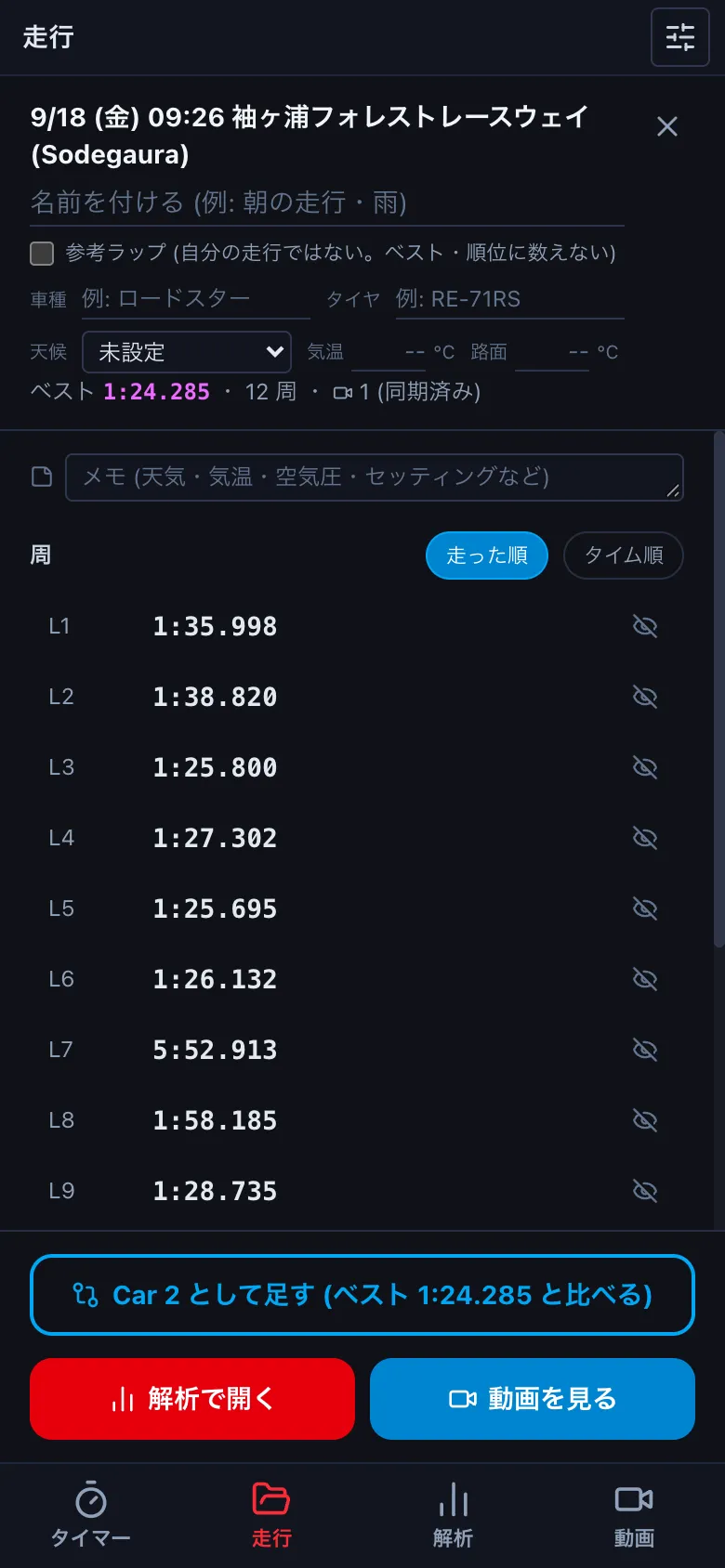
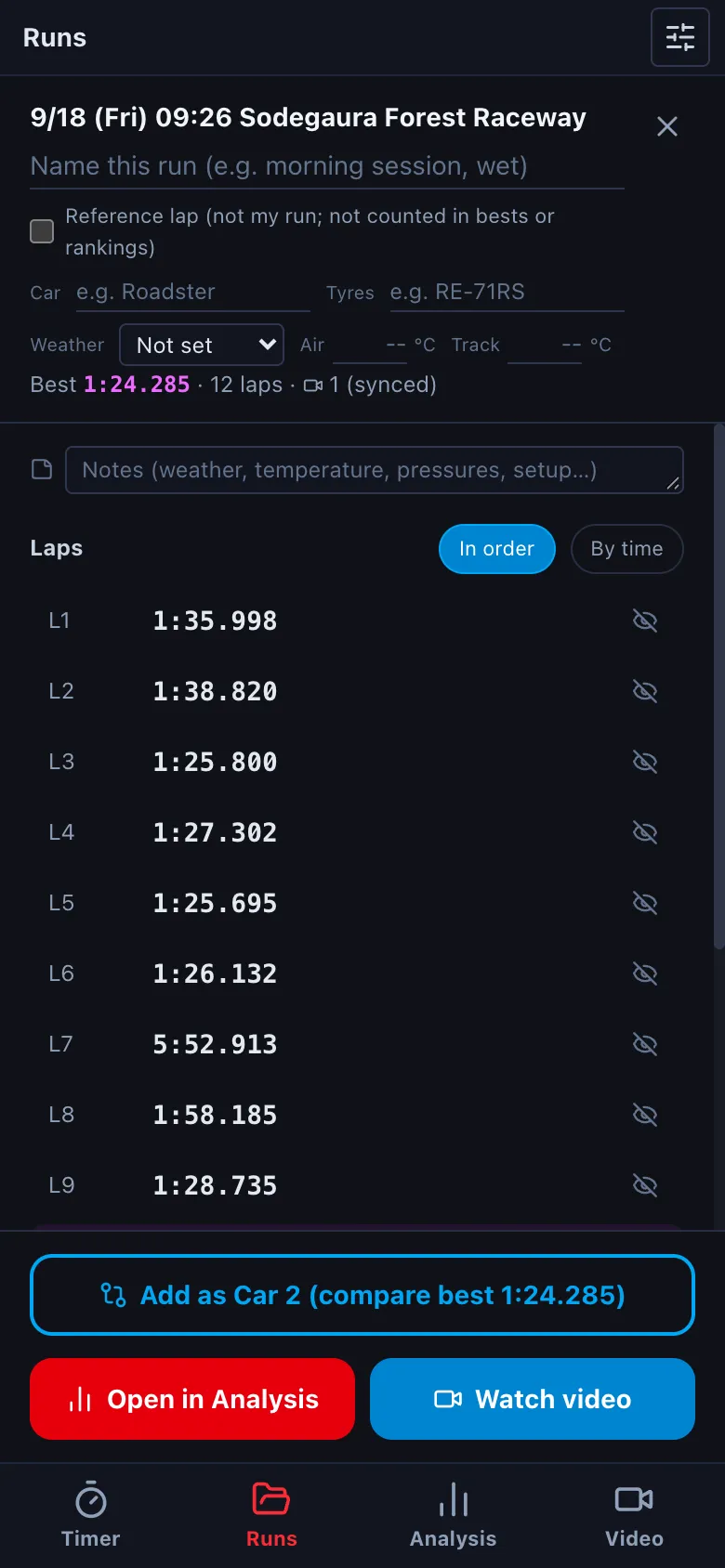
- 2 つのログを ファイルを開く で開き、走行とコース で Car 1・Car 2 に周を割り当てます。Open both logs with Open file and assign laps to Car 1 and Car 2 in Runs & course.
-
速度のグラフに 2 本の線が重なり、下にタイム差のグラフが出ます。線が上にあるところほど、Car 1 (赤) が先を走っています。コースマップには Car 2 の位置も出ます。The speed graph shows both lines and a time-delta graph appears below; where it is above zero, Car 1 (red) is ahead. Car 2 also appears on the course map.
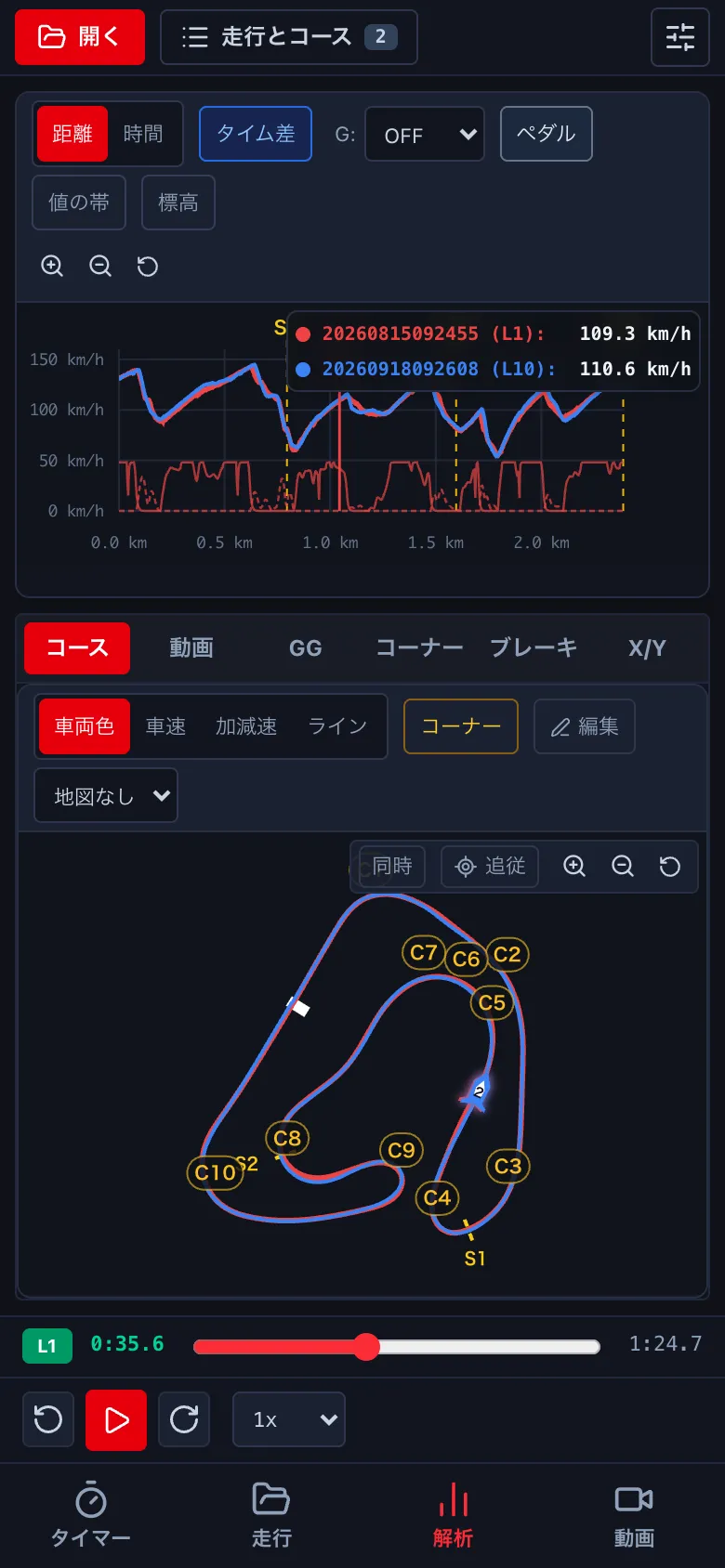
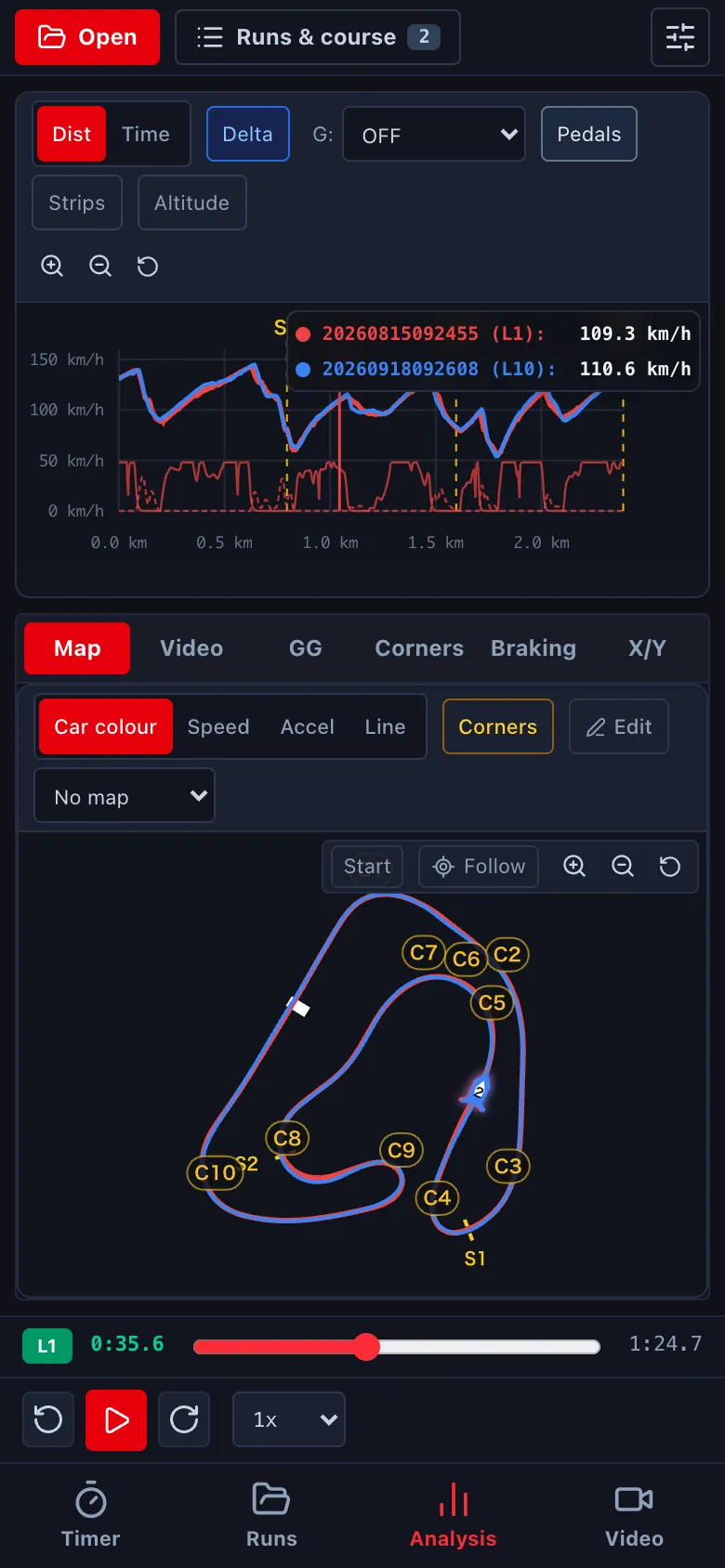
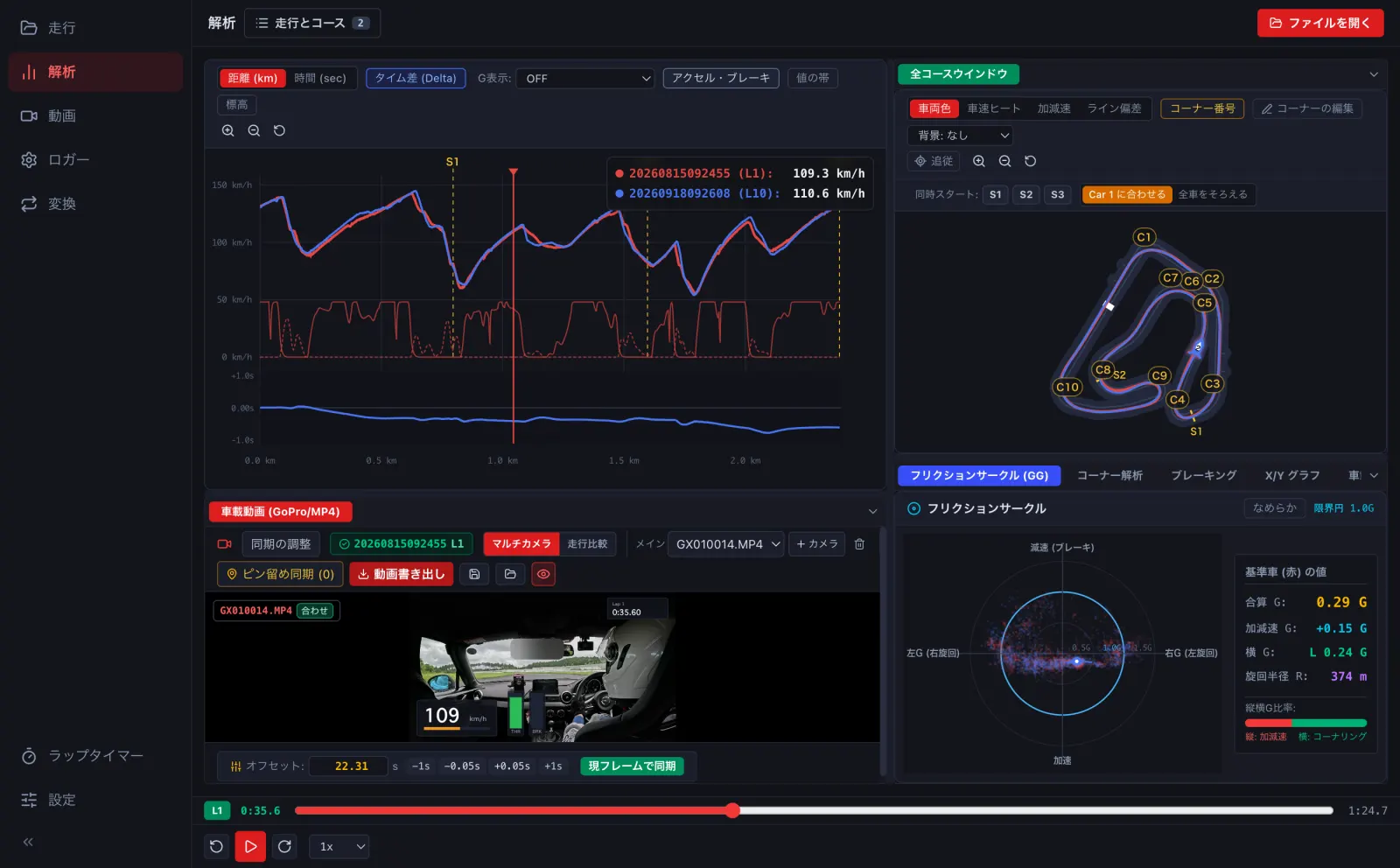
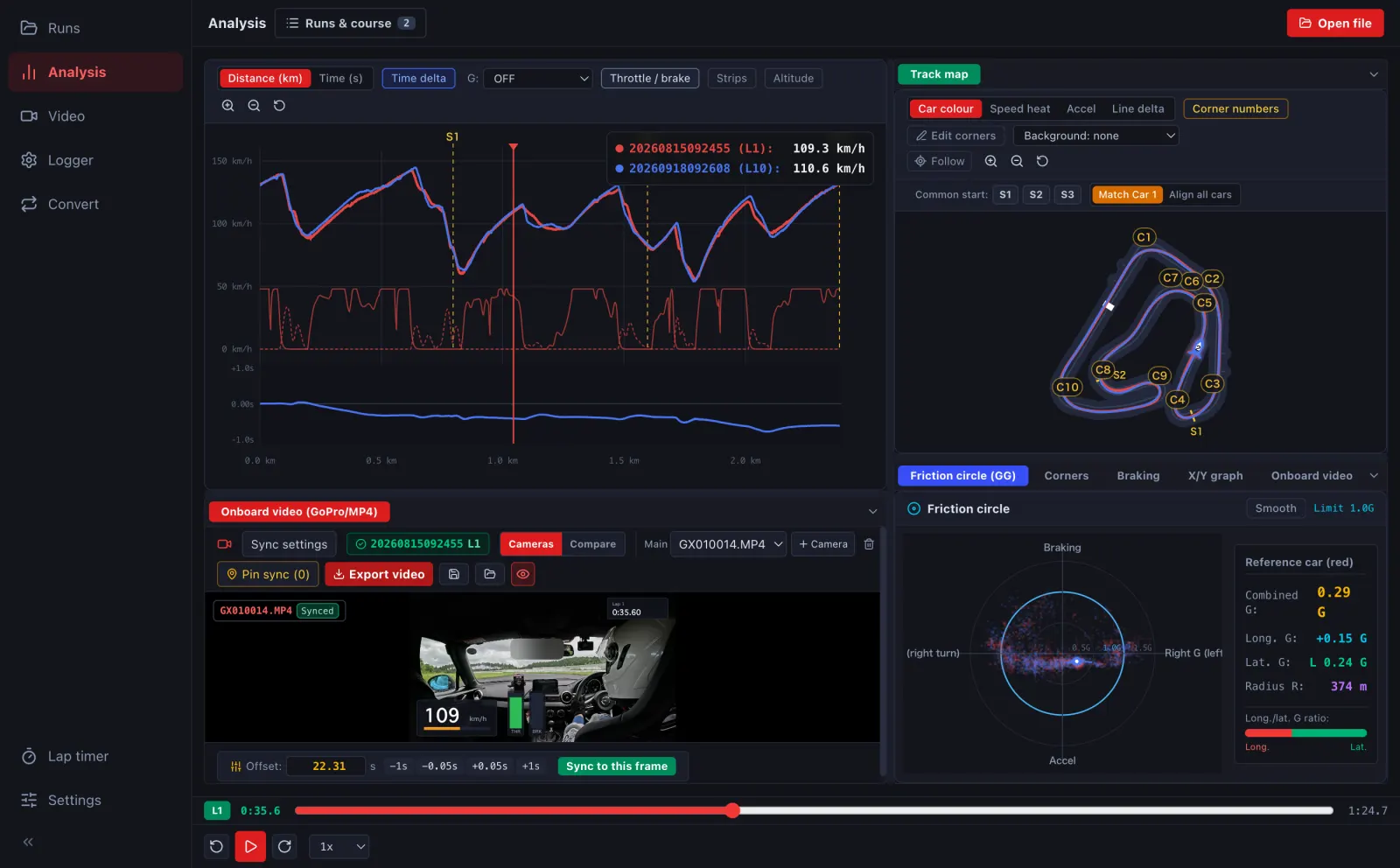
- 同じ走行のほかの周と比べるときは、走行とコース の Car 2〜4 に周を割り当てます。To compare with other laps of the same run, assign them to Car 2–4 in Runs & course.
- 天候やタイヤをそろえて比べたいときは、先に走行の一覧を絞ってから選びます (→ C2)。To compare like with like, filter the run list by weather or tyres first (→ C2).